

Live Demo
Try it on your own phone in about twenty seconds. There is nothing to install: the demo is a Unity WebGL build running on a plain https:// page.
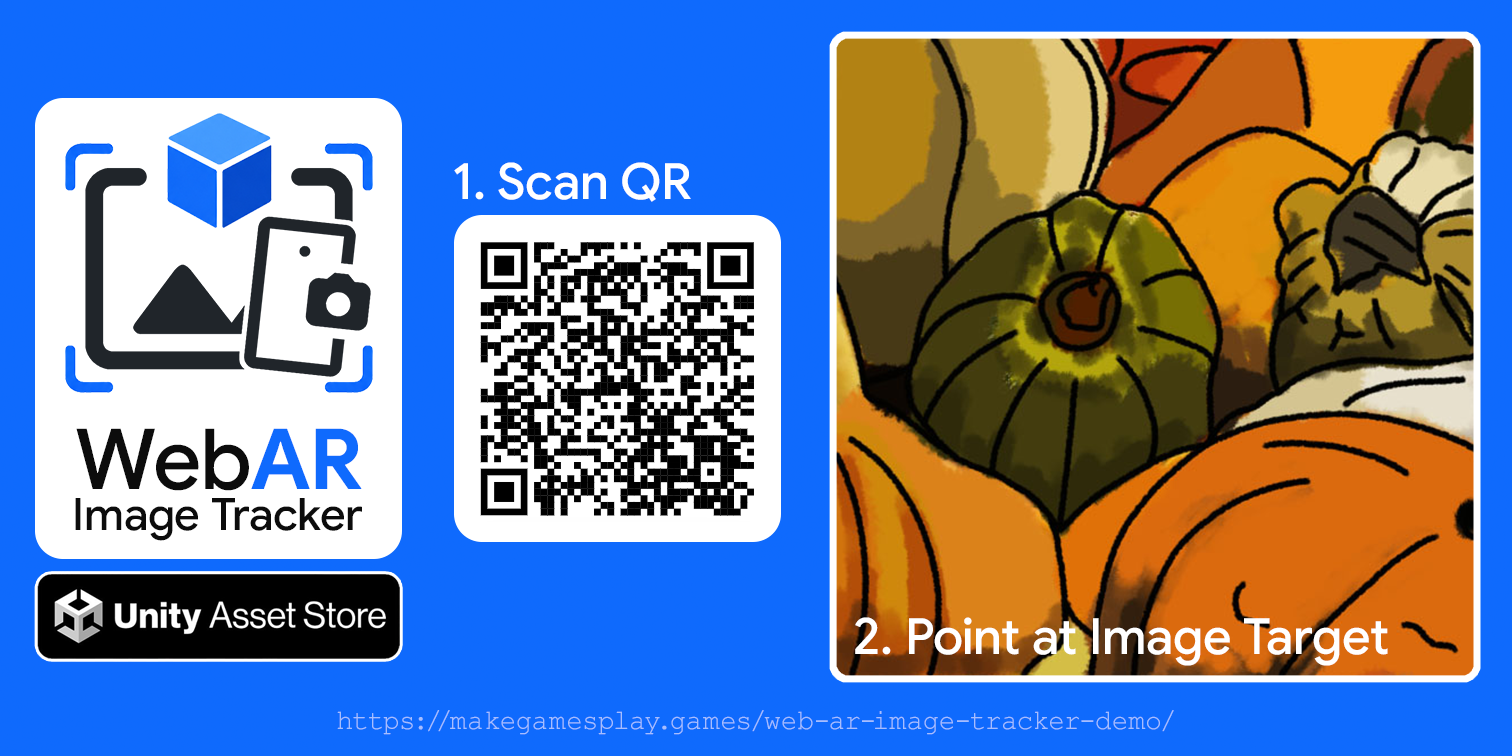
Two steps
- Scan the QR code above with your phone's camera, or open makegamesplay.games/web-ar-image-tracker-demo directly. Allow camera access when the browser asks.
- Point your phone at the image target, the pumpkin artwork above. The content appears anchored to it and stays put as you move around it.
Reading this on the same phone?
A phone cannot point at its own screen. Open this page on a computer or tablet and scan from your phone, or print the image target and point at the print.
What you need
- A device with a camera: phone, tablet, or a computer with a webcam.
- iOS or iPadOS 16.4 or newer in any browser (they all use WebKit), Android Chrome 89 or newer, or a current desktop browser.
- Camera permission. Browsers only hand over the camera on a secure origin, which is why the demo is served over HTTPS.
- On iOS and Android you may also see a motion prompt. Accepting it lets the gyroscope smooth the tracking between camera updates.
If the camera never prompts, or you get a message naming a missing capability, Troubleshooting covers the usual causes.
What you are looking at
The image target is flat artwork with detail and contrast spread across the whole image, which is what the tracker needs to lock onto. The content is authored in Unity at real-world metric scale and anchored to the target's printed size, so it sits at a believable size on the artwork rather than floating at an arbitrary scale.
To build the same thing yourself, start with Getting Started and Creating Markers. For what makes artwork track well, see Tracking Quality & Tuning.